Cisco Wireless APs: Complete Guide to Enterprise WiFi Access Points
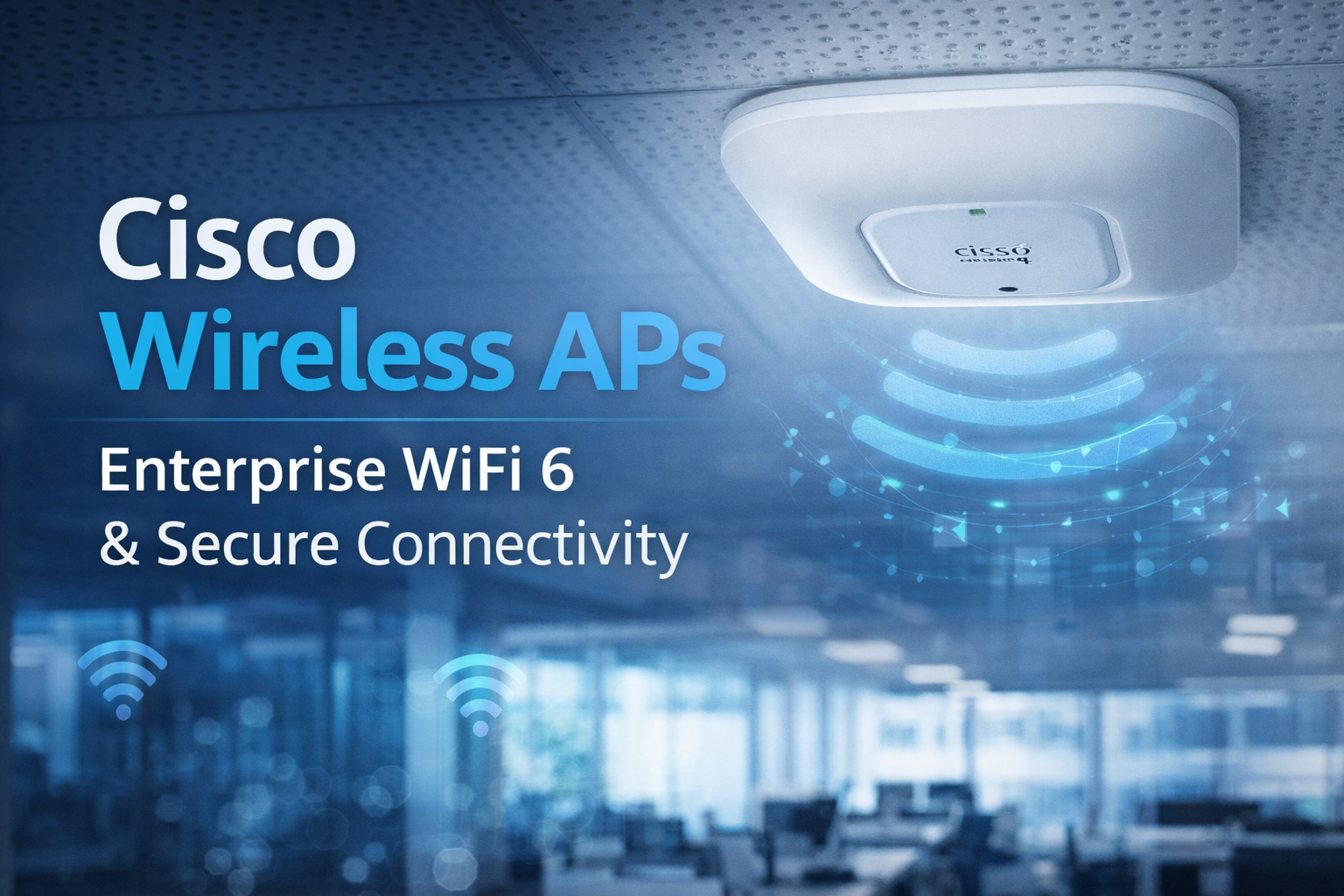
Cisco Wireless APs (Access Points) are enterprise-grade wireless networking devices designed to deliver secure, high-performance, and scalable WiFi connectivity. Used by businesses, campuses, hospitals, hotels, and warehouses, Cisco wireless access points support modern standards like WiFi 6 and WiFi 6E, ensuring fast speeds, low latency, and reliable coverage.
This guide covers everything you need about Cisco wireless APs—features, benefits, types, use cases, comparisons, SEO metas, and a featured image concept.
What Are Cisco Wireless APs?
Cisco Wireless Access Points are WiFi devices developed by Cisco that connect wireless devices (laptops, smartphones, IoT devices) to a wired network infrastructure. They act as a bridge between wired Ethernet networks and wireless clients.
Cisco APs are commonly deployed with:
-
Cisco Wireless LAN Controllers (WLC)
-
Cisco Meraki Cloud Dashboard
-
Cisco DNA Center
How Cisco Wireless APs Work
-
AP connects to the wired LAN via Ethernet
-
Wireless signals are broadcast using 2.4GHz, 5GHz, or 6GHz bands
-
Client devices authenticate securely
-
Data traffic is managed, encrypted, and optimized
This ensures seamless roaming, load balancing, and high network performance.
Key Features of Cisco Wireless APs
1. WiFi 6 & WiFi 6E Support
-
Higher throughput
-
Better performance in high-density environments
-
Improved battery life for devices
2. Enterprise-Grade Security
-
WPA3 encryption
-
802.1X authentication
-
Rogue AP detection
-
Secure guest access
3. Intelligent Network Management
-
AI-driven analytics
-
RF optimization
-
Centralized monitoring
4. Power over Ethernet (PoE)
Cisco APs support PoE/PoE+ for easy installation without extra power adapters.
5. Seamless Roaming
Ideal for large offices, campuses, and hospitality environments.
Benefits of Using Cisco Wireless APs
-
Reliable WiFi Coverage across large areas
-
High Scalability for growing businesses
-
Advanced Security for sensitive data
-
Low Downtime with proactive monitoring
-
Future-Proof Networking with latest WiFi standards
Types of Cisco Wireless APs
Indoor Access Points
Designed for offices, schools, hospitals, and malls.
Outdoor Access Points
Weather-resistant APs for campuses, warehouses, and outdoor venues.
Cloud-Managed APs (Meraki)
Managed entirely via cloud dashboard—ideal for distributed networks.
Controller-Based APs
Used in large enterprises with centralized policy control.
Popular Cisco Wireless AP Series
-
Cisco Catalyst 9100 Series – WiFi 6/6E enterprise APs
-
Cisco Aironet Series – Proven performance for business networks
-
Cisco Meraki MR Series – Cloud-managed wireless APs
Cisco Wireless APs vs Consumer WiFi Routers
| Feature | Cisco Wireless APs | Home WiFi Routers |
|---|---|---|
| Security | Enterprise-grade | Basic |
| Scalability | Very High | Limited |
| Management | Centralized | Local |
| Performance | Optimized | Moderate |
| Use Case | Business | Home |
Cisco Wireless AP Use Cases
-
Corporate offices
-
Hotels & resorts
-
Hospitals & healthcare
-
Educational institutions
-
Retail stores
-
Warehouses & logistics
Are Cisco Wireless APs Worth It?
Yes if you need secure, high-performance, and scalable WiFi. Cisco wireless APs are ideal for organizations that demand reliability, compliance, and long-term support.